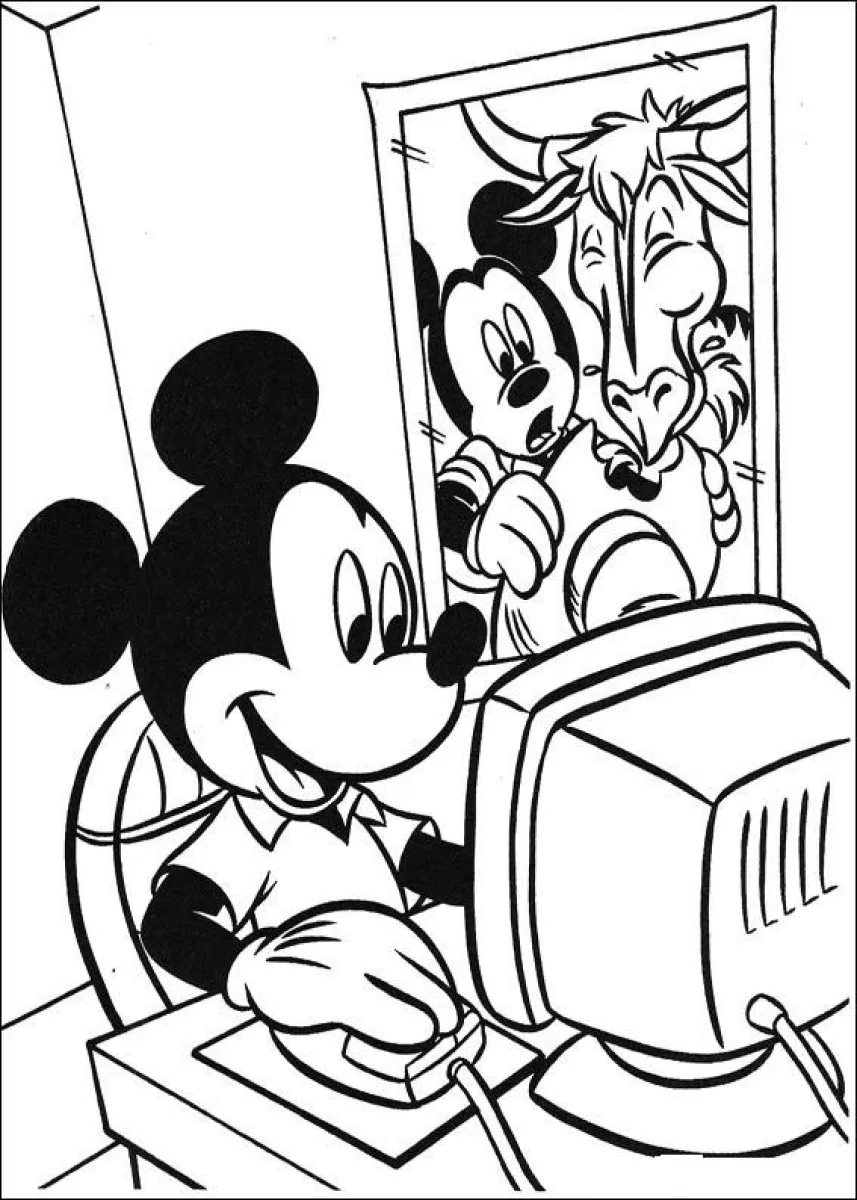
Mickey Mouse at the computer with Horace coloring page
Mickey Mouse at the computer with Horace coloring page – free to print on A4 or US Letter, to download as a PDF or to color online.
Tip: turn off "Headers and footers" in the print window.
This coloring page shows Mickey Mouse sitting at a desk in front of an old-style computer monitor, smiling as he works the mouse. Behind him, a worried-looking friend peeks over his shoulder, while a second character with a long snout and curved horns watches from the screen area. The bold outlines and large shapes make it a good fit for children aged 4 to 9 who are just starting to color inside the lines.
Coloring tip: start with Mickey's black ears and face, since they are the largest areas and give the page a strong base. Then use a lighter shade for the computer screen to make the figures behind him stand out.
Ideas for the classroom
- Ask children to name the feelings on each character's face, such as happy, surprised or worried.
- Talk about how computers were used long ago and compare them with today's devices.
Printing tips
Choose A4 if you are in Europe and US Letter in the US or Canada, so nothing gets cut off. Plain 80 g paper works for crayons; use thicker paper for markers or watercolors.